Changelog
What's New
The latest updates and improvements to SoundPage.
- New
Meta Pixel and Google tag
Run ads on your SoundPage with real conversion data. Paste your Meta Pixel ID and Google tag in Settings → Metadata and every public page fires a PageView, custom domains included. Meta also gets AddToCart, InitiateCheckout and Purchase events, so you can optimize campaigns on actual sales rather than clicks. Pixels are part of Pro.
Connect your pixel - Improved
Credits with real, up-to-date stream counts
Add a record and we pull its streams across Spotify, YouTube, SoundCloud and Audiomack, then keep the numbers fresh automatically. A Career Totals card sums it all up, and Accolades tiles carry the marks to match: Gold, Platinum and Diamond, Grammy, Billboard. Three new templates join the lineup: Revolve, a slowly turning drum of covers; Ledger, a clean table of your work; and Card Spread, covers fanned in an arc. Long lists tuck behind View all, and the search box is now optional.
Update your credits - New
34 animated backgrounds
A flat color is no longer your only option. Customize → Background → Presets now has 34 live backgrounds, from Sky and Silk to Matrix, Aurora Beam, Warp Tunnel, Fire and Particles. Every preset has its own color slots. Hit the dice for a matching random palette, or reset to bring back the original look. They run on every layout, including Compact, and on mobile.
Pick a background - New
Showcase Store: a storefront, not a profile
The Showcase layout's Store arrangement is now a real website. A sticky header carries your pages and catalog search, and it stays on screen inside product pages so visitors never lose their way. Add a rotating hero with a headline and link, choose a search hero, and set different heroes per page. Section colors come as presets, including a frosted Glass option, so the header, footer and alternating bands always match your palette. Social links live in the footer. Showcase is part of Pro.
Try Showcase Store - New
Seven new blocks for your page
Your page has a lot more to work with. New in the Add Block menu: • Video: paste YouTube, Vimeo or Twitch links. Two or more become a swipeable carousel or grid, and a slide can track your channel's latest upload • FAQ: collapsible questions and answers • Events: upcoming shows with date, venue and ticket link. Past shows drop off on their own • Tip Jar: PayPal, Venmo and Cash App, one tap each • QR Code: point visitors anywhere, in your colors • Tweet: embed a post from X • Divider: a clean rule between sections, or a spacer at 0% opacity The Image block now holds a whole gallery too, with a caption and link per photo.
Add a block - New
Know how every campaign performed, at a glance and in depth
Campaigns just got a real analytics home. Your /campaigns list now opens with a performance summary: sends, reach, average open rate, and average click rate Click into any sent campaign and you'll see a full funnel (Sent → Delivered → Opened → Clicked, with drop-off called out at each stage) alongside an hour-by-hour engagement chart, so you can see exactly when people opened and clicked.
See your campaign performance - Improved
A smarter Customize workspace
Building your page just got easier. The side panel is now a clean list of collapsible cards instead of a crowded tab layout, so you can focus on one section at a time. Made a change you didn't mean to? Page-level undo/redo has you covered.
- New
Give your cursor some personality
Choose from 9 cursor trail effects (Fairy Dust, Trail, Bubbles, Snow, Rainbow, Ghost, Dot, Emoji, and Springy) on the Customize page's Cursor section. Trail even follows the shape of your own custom cursor. A fun, small touch that visitors will notice.
Customize your cursor - New
A new way to show up: the Compact layout
Sometimes less is more. Compact is a new page layout that condenses your whole page into a single, focused card (your avatar, name, bio, and social links), no scrolling required. Add a cover banner with drag-to-reposition focal point (GIFs and video supported), pick a Profile or Business arrangement, and layer in tabs if you need them. It's built for artists who want their page to feel like a clean business card, not a scroll.
Try the Compact layout - New
Three new blocks for your page
Your page just got more expressive. We've added three new blocks: • Image — drop in artwork, flyers, or photos • Embed — pull in content from around the web • Marquee — a scrolling banner to highlight what matters Mix and match them from the Customize editor.
Customize your page - New
Email Campaigns are here
Reach your fans and customers right in their inbox. Build and send branded email campaigns to your audience, sent from your own verified domain so they land looking like you — not a no-reply. Every send now tracks opens and clicks, so you can see exactly what's landing.
Create your first campaign - New
Connect your own custom domain
Your page, your name. You can now point your own custom domain at your SoundPage — no more sharing a generic link. Add your domain in Settings and we'll walk you through the DNS setup.
Set up your domain - Improved
Show off your credits, charts, plaques & a verified seal
Production credits just leveled up. Add the records you've worked on and now show real accolades alongside them: Billboard chart positions, album certifications (Gold, Platinum & beyond), and genre chart history. Verified artists also get a seal on their profile.
Add your credits - New
Introducing SoundPage
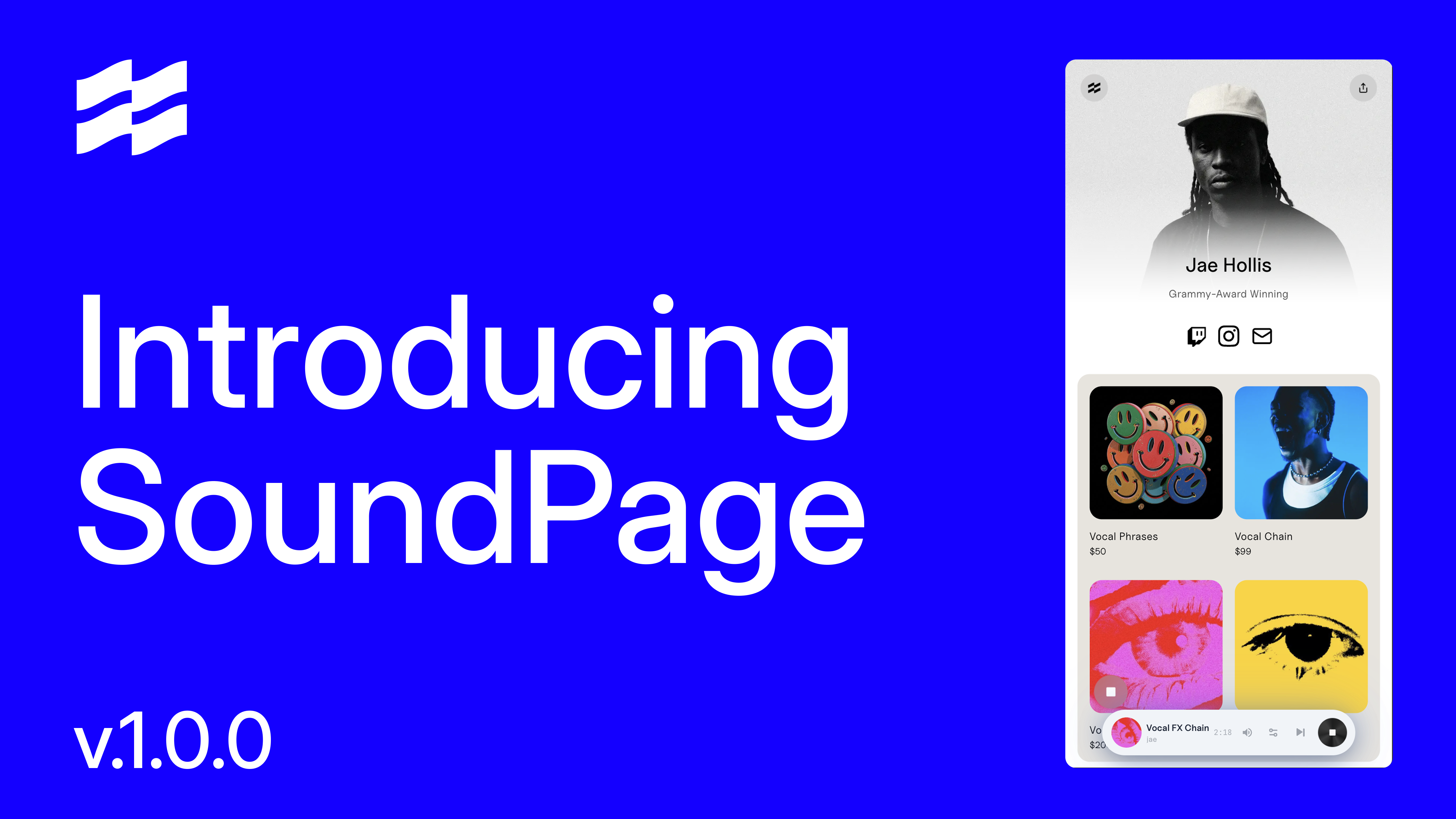
Introducing SoundPage SoundPage is a storefront tailored to music creatives. Sell your digital products, drive traffic to your links, and manage your audience from one dashboard. Most producers and artists use several tools for a release cycle. From e-commerce and promotion to contact management and email marketing, SoundPage handles all of it. Create your page now to start growing your audience.
Claim your wav.id